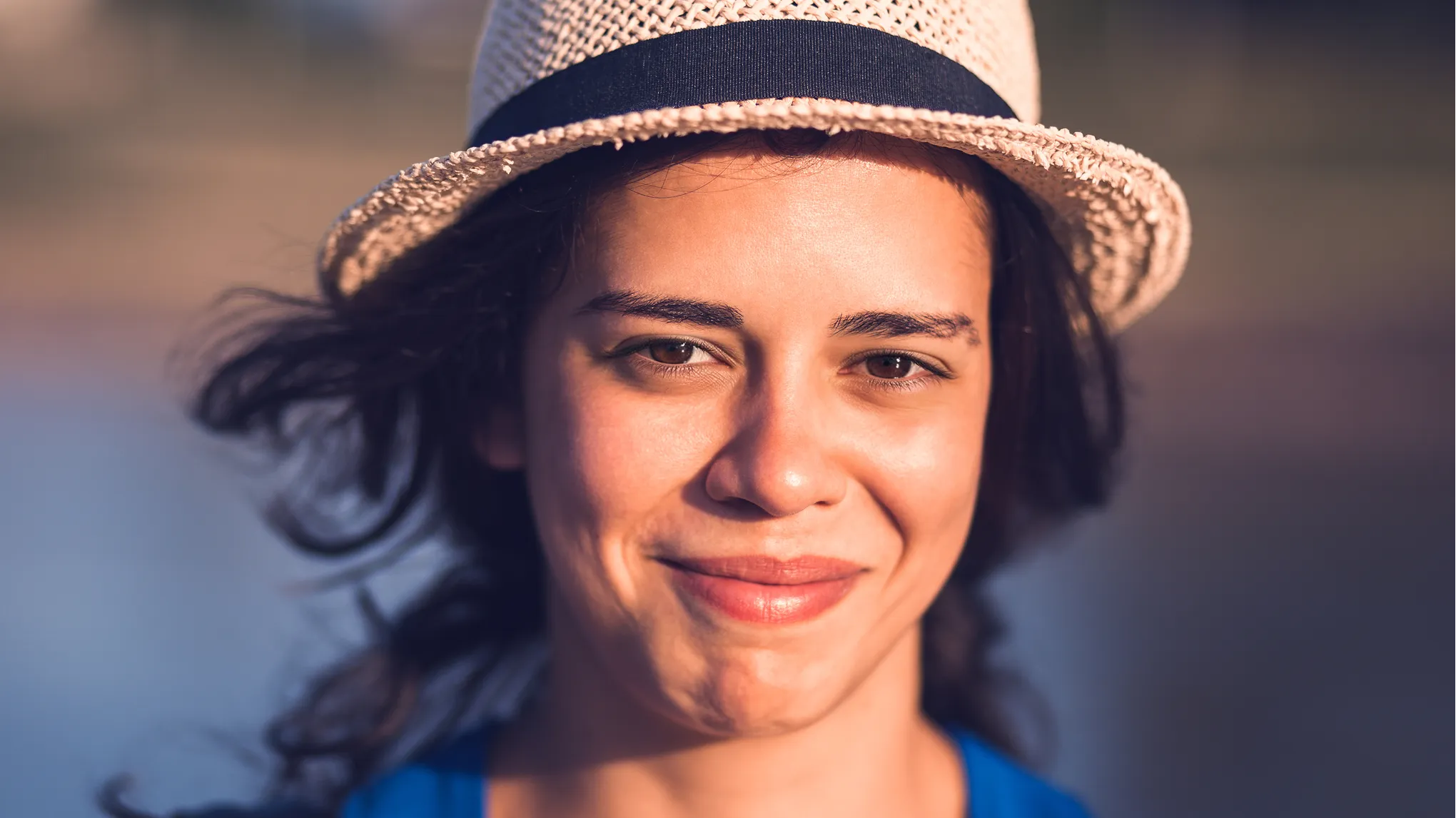
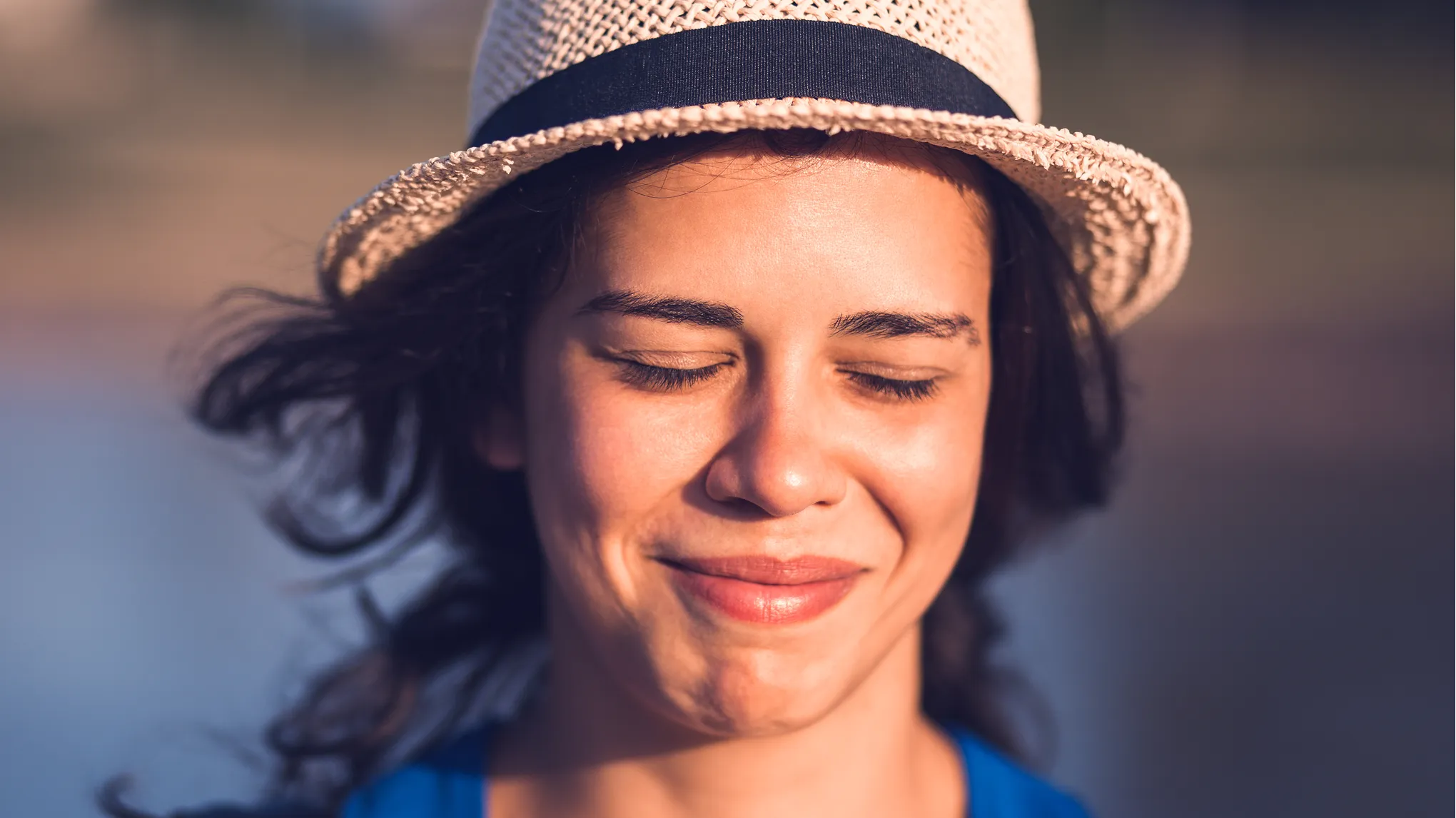
 BeforeAfter
↔
Portraits
A blink in the sunshine
Compare the closed and open eyes in this warm, sunlit portrait.
Evoto demonstration · View source ↗
DIFFERENT FACES. DIFFERENT MOMENTS.
Explore portraits, shared selfies, and group photos. Drag each divider—or tap Before and After—to see the whole change.
Includes five Evoto demonstrations and one MomentRescue test, labeled individually. Evoto examples illustrate its results, not measured performance of MomentRescue. Results vary.
BeforeAfterPortraits
Compare the closed and open eyes in this warm, sunlit portrait.
Evoto demonstration · View source ↗

 BeforeAfter
Portraits
Look at the eye opening alongside the glasses and bright outdoor light.
Evoto demonstration · View source ↗
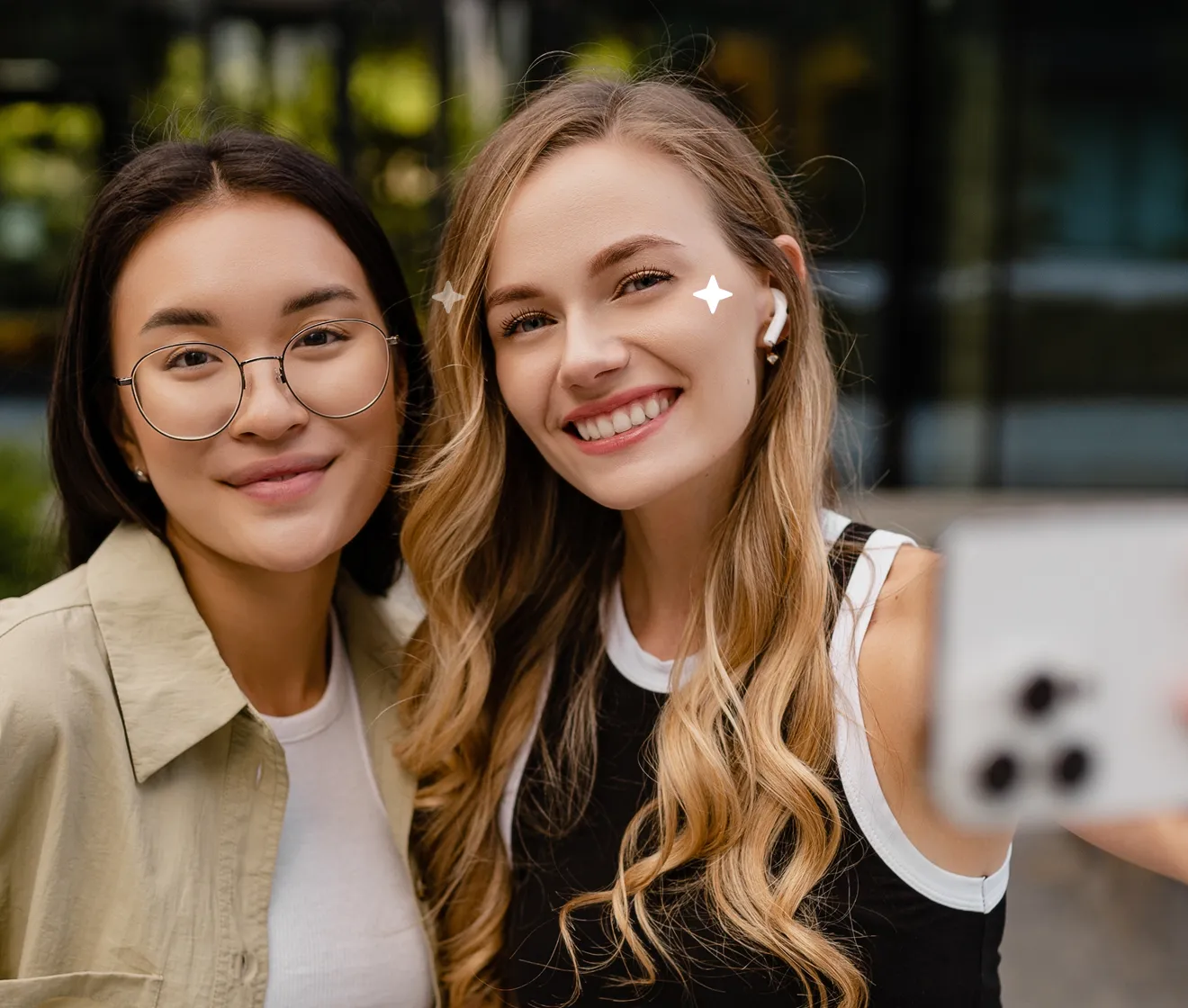
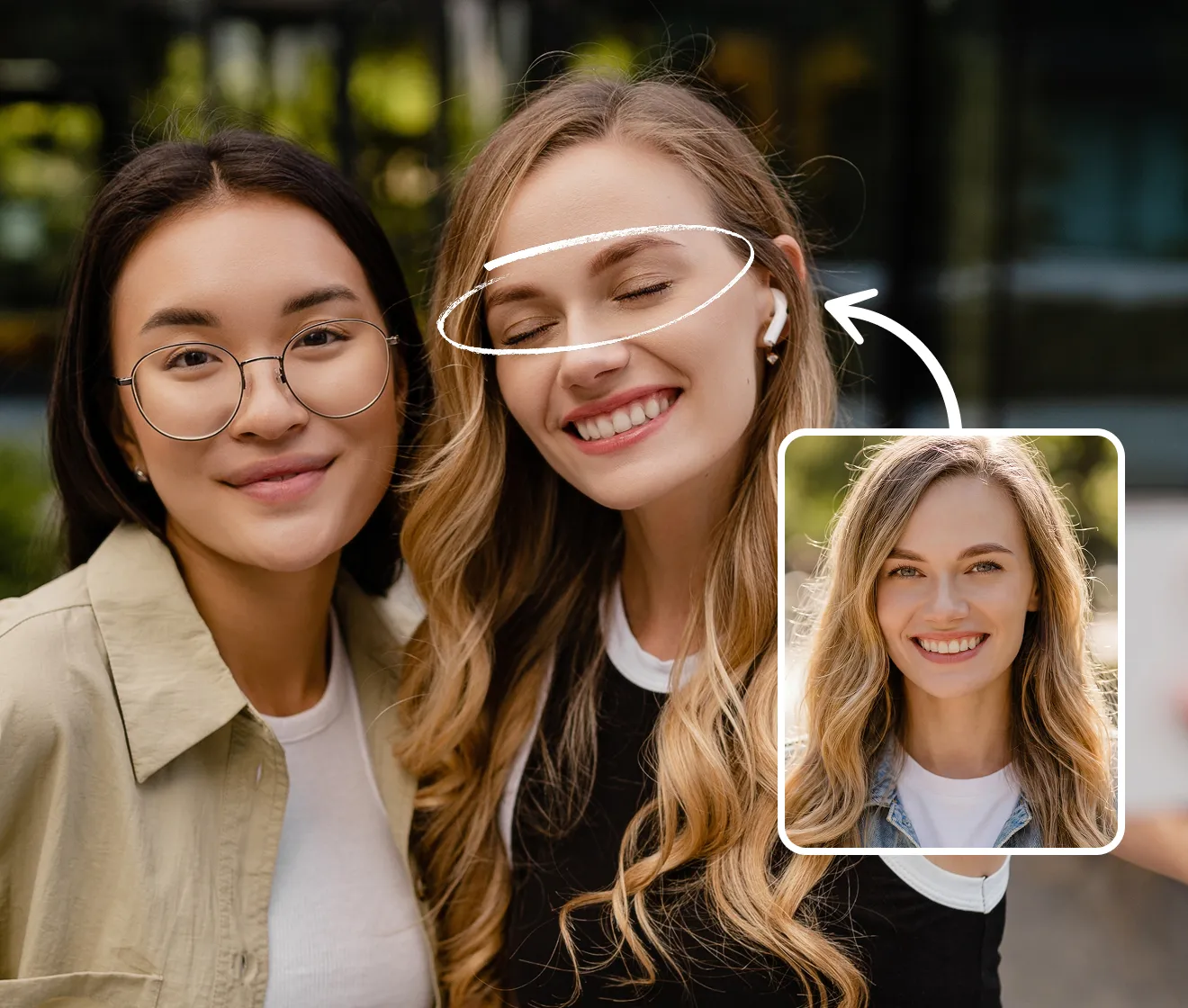 BeforeAfter
Groups
Slide across both faces to inspect the eye changes in this two-person photo.
Evoto demonstration · View source ↗

 BeforeAfter
Groups
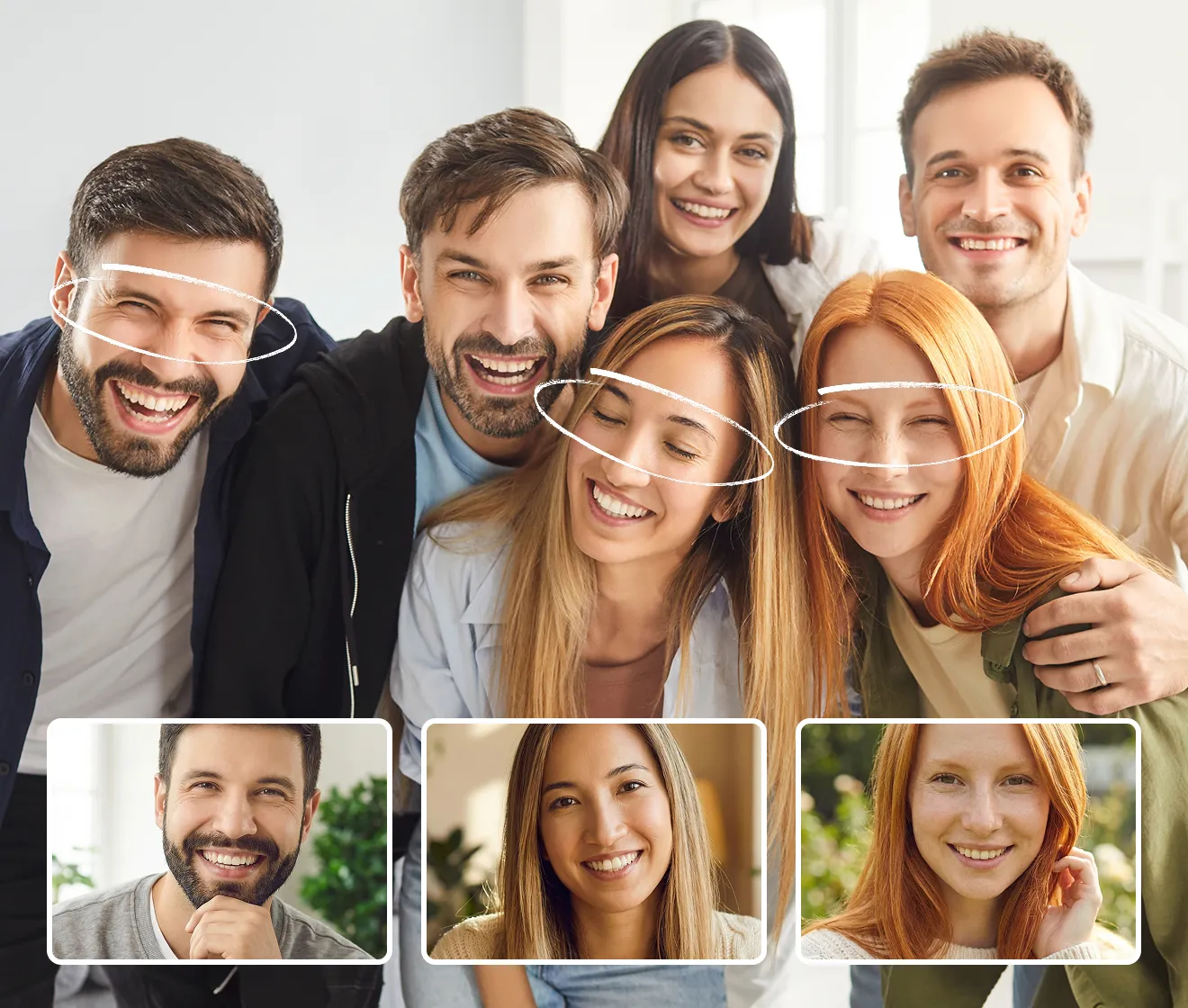
An Evoto group demonstration. MomentRescue currently repairs one selected person per operation.
Evoto demonstration · View source ↗
 BeforeAfter
Details
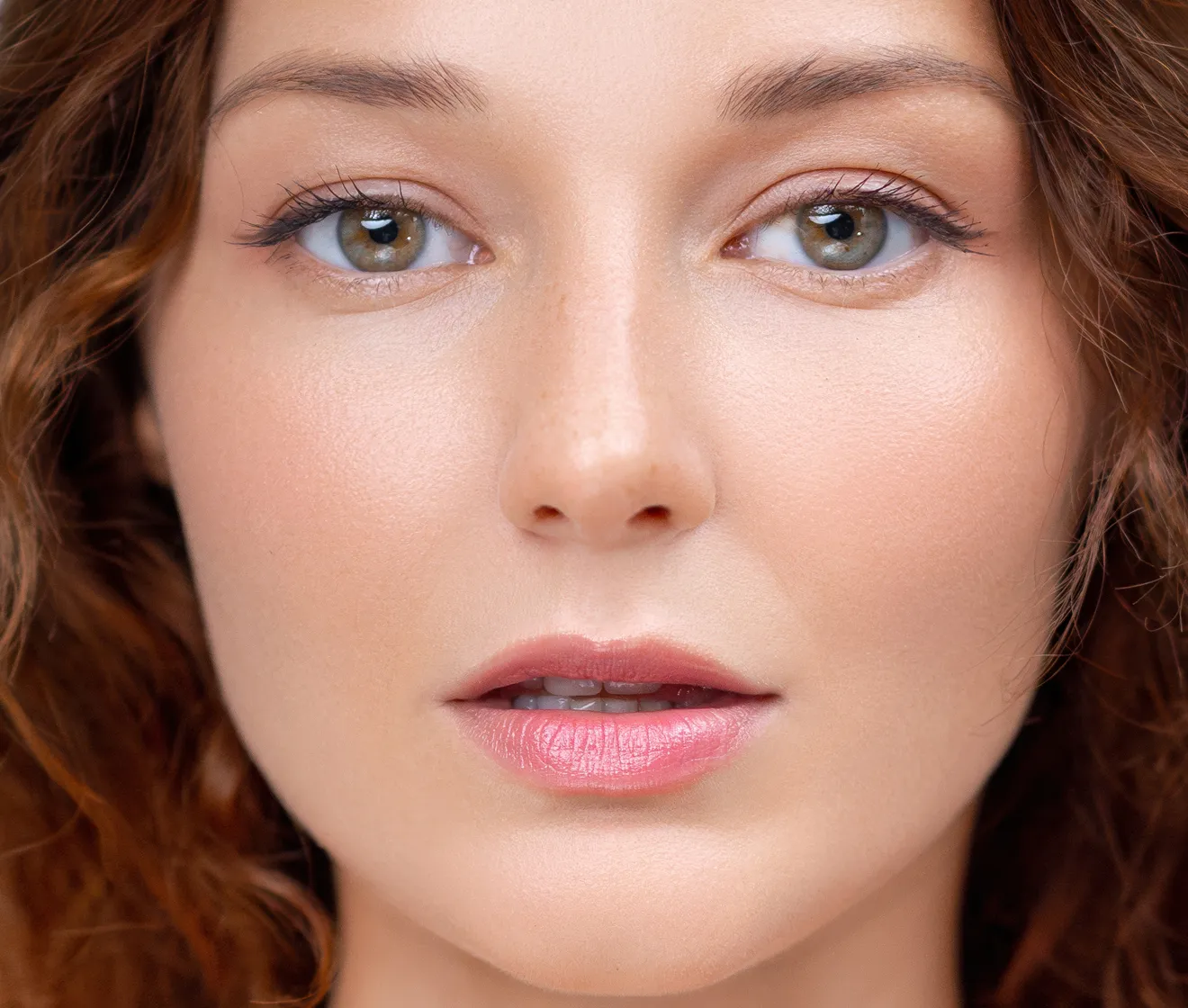
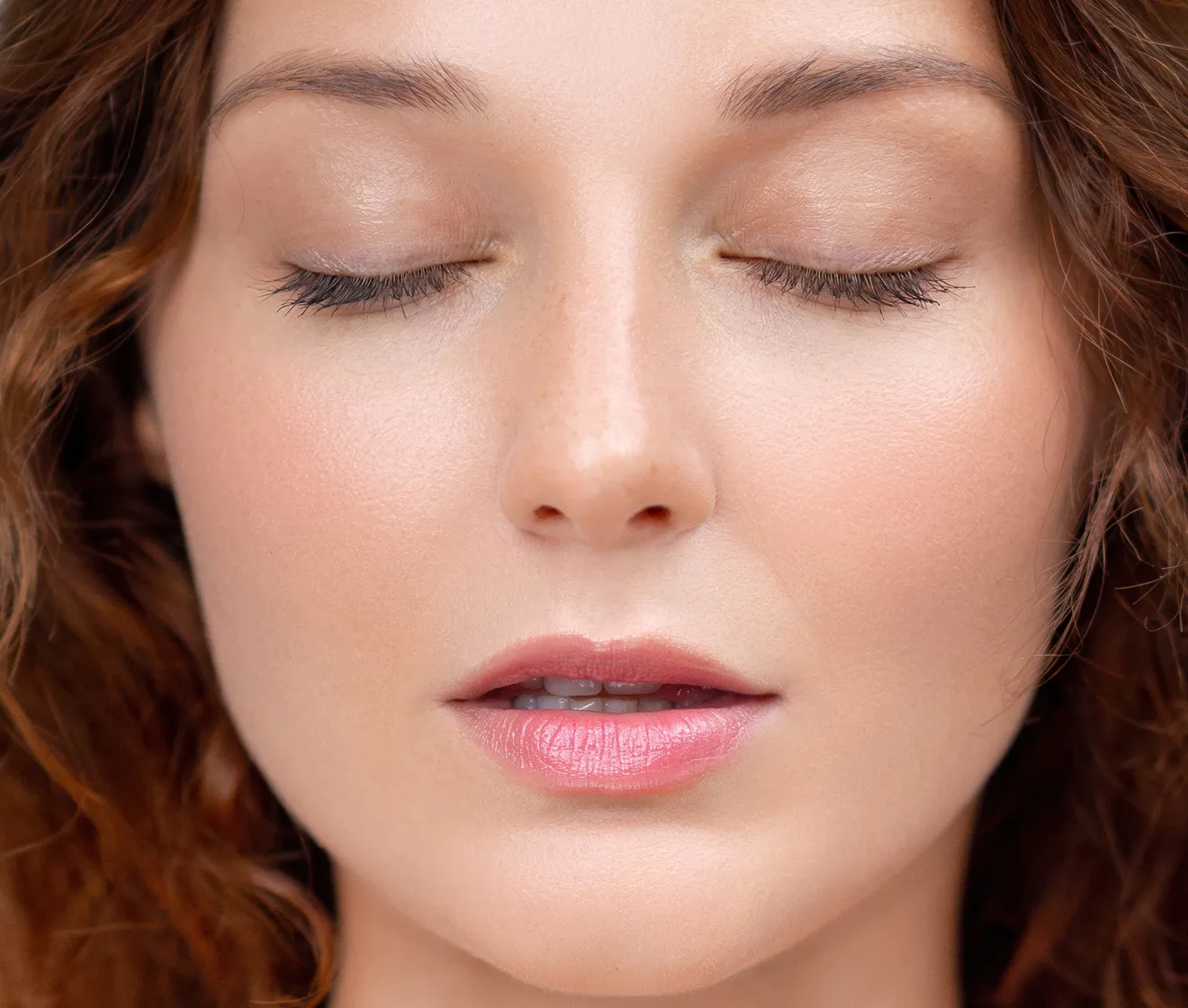
Inspect the eyelid edges, eyelashes, and gaze in a tightly framed portrait.
Evoto demonstration · View source ↗
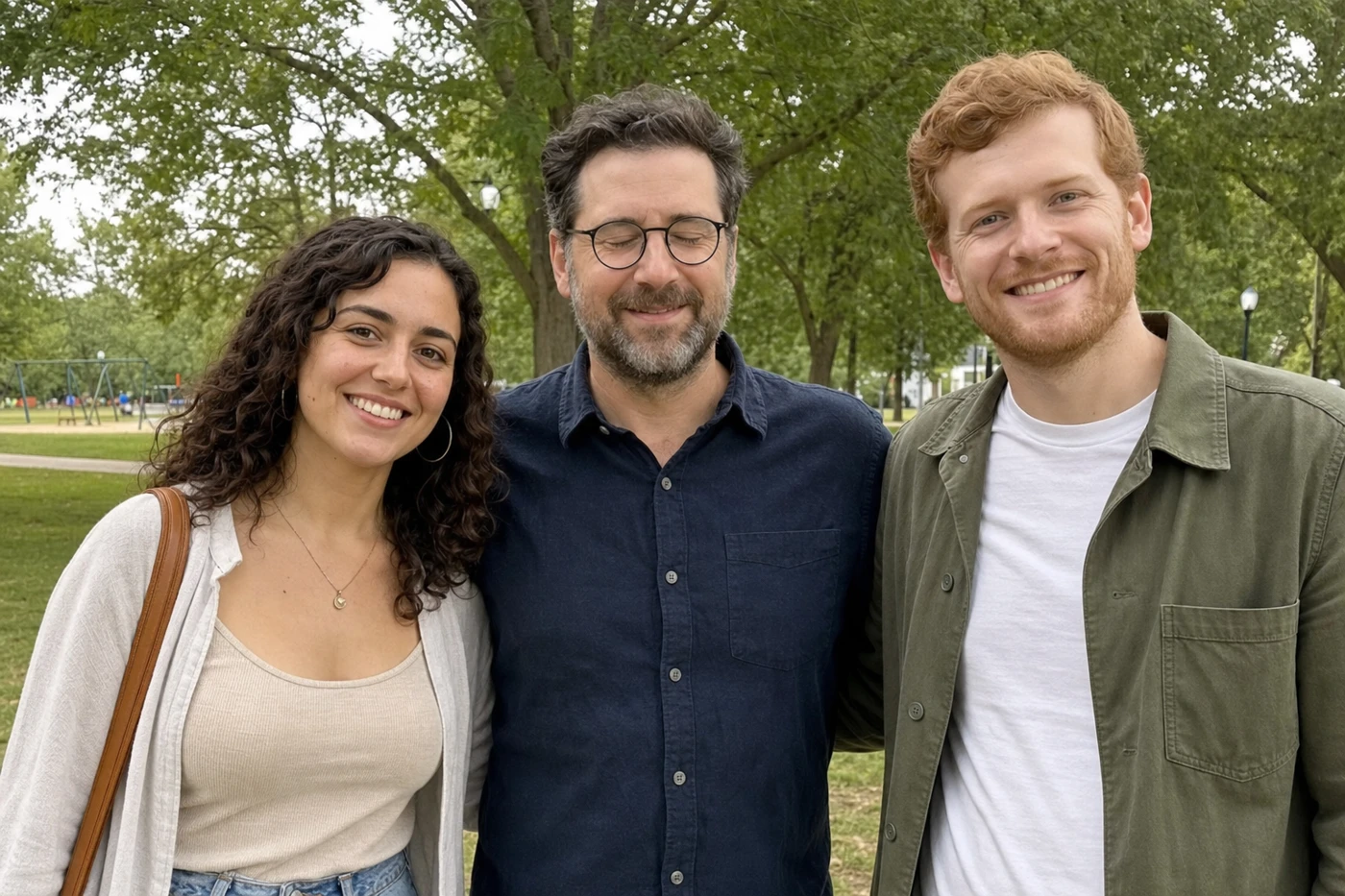 BeforeAfter
Groups
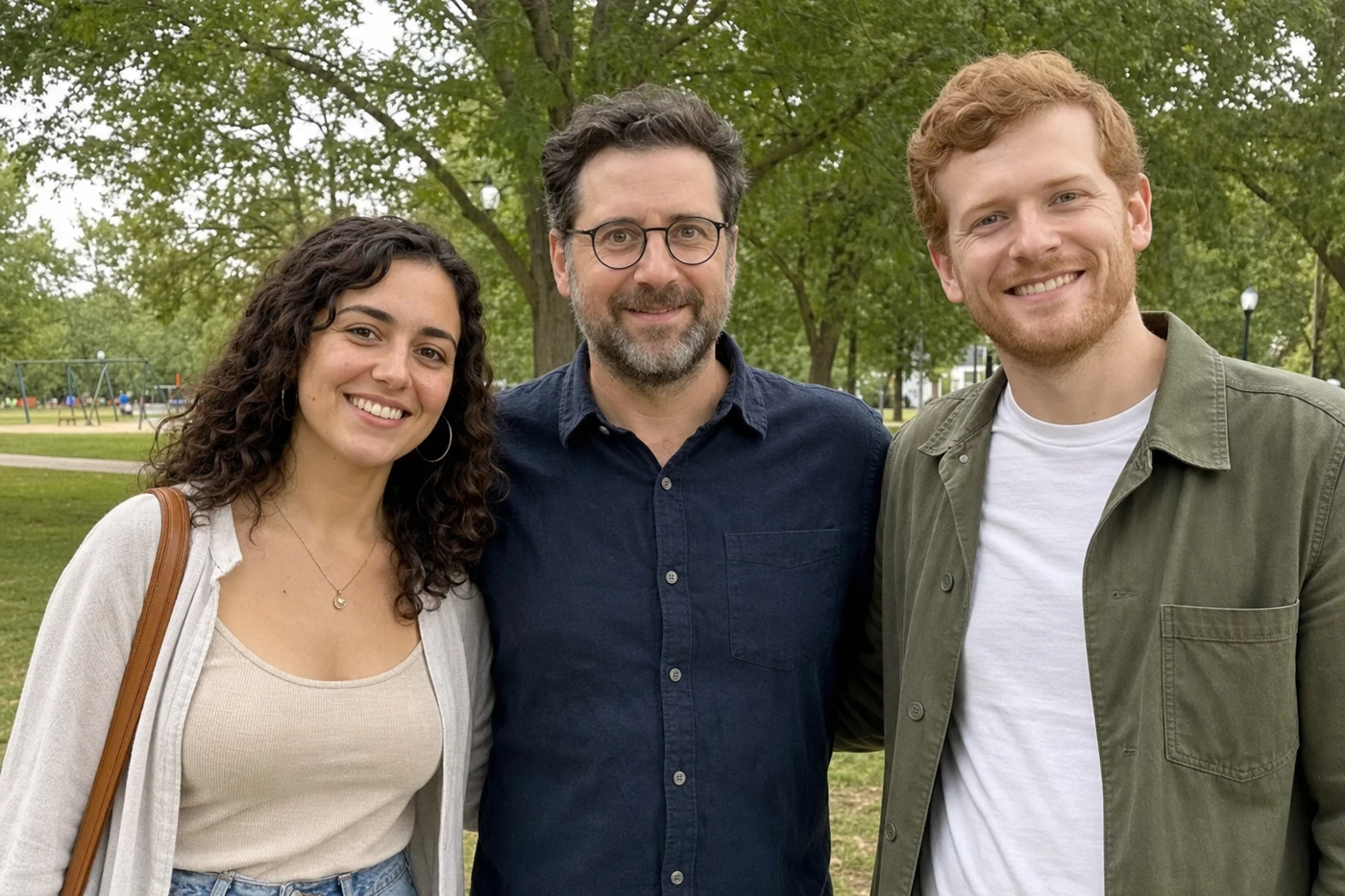
A MomentRescue test with AI-generated people. The center person was selected for the eye edit.
MomentRescue test · AI-generated sample people
LOOK A LITTLE CLOSER
Check the gaze, the opening of the eyelids, and whether the expression still feels like the person.
Inspect eyelashes, glasses, eyebrows, and shadows around the edited area.
Compare with real photos of the same person. A plausible face is not proof of an exact match.
Some source demonstrations include highlights or reference insets, retained as supplied. MomentRescue currently edits one selected person per operation.
TRY YOUR OWN PHOTO
Read the reference checklist if you have another photo of the person.