A reference photo gives the eye repair tool a real example of the selected person’s open eyes. It can guide appearance, but it does not guarantee an exact match. You do not need a professional portrait: start by checking other photos from the same occasion.
WHAT TO LOOK FOR
A face you can clearly inspect
- The same person as the photo you are fixing
- Both eyes open and visible
- A head angle reasonably close to the original
- Enough detail to see the eyelids and eye direction
Compare these four details
| Check | A useful reference | A less useful reference |
|---|---|---|
| Eye visibility | Open eyes with visible eyelids and pupils | Sunglasses, a blink, or glare hiding the eyes |
| Head angle | A similar turn and tilt to the target face | A strong side profile for a front-facing photo |
| Detail | A face that stays clear when viewed larger | A tiny face, motion blur, or a compressed screenshot |
| Lighting | Eye detail visible on both sides of the face | Deep shadows or highlights obscuring the eyes |
Where to look first
- The previous or next photo. A photo taken seconds apart may show the eyes open with a similar pose.
- Another photo from the same session. Similar lighting, glasses, and makeup give you fewer differences to judge.
- A clear portrait from another occasion. Use the same person with a comparable angle. Inspect the result carefully if their appearance has changed.
Can the reference include other people?
Yes. Upload the group reference and select the matching person. Do not assume the face number will be the same in both photos: numbers refer to the faces detected in each image. Check the side-by-side face previews before generating.

 BeforeAfter
Portraits
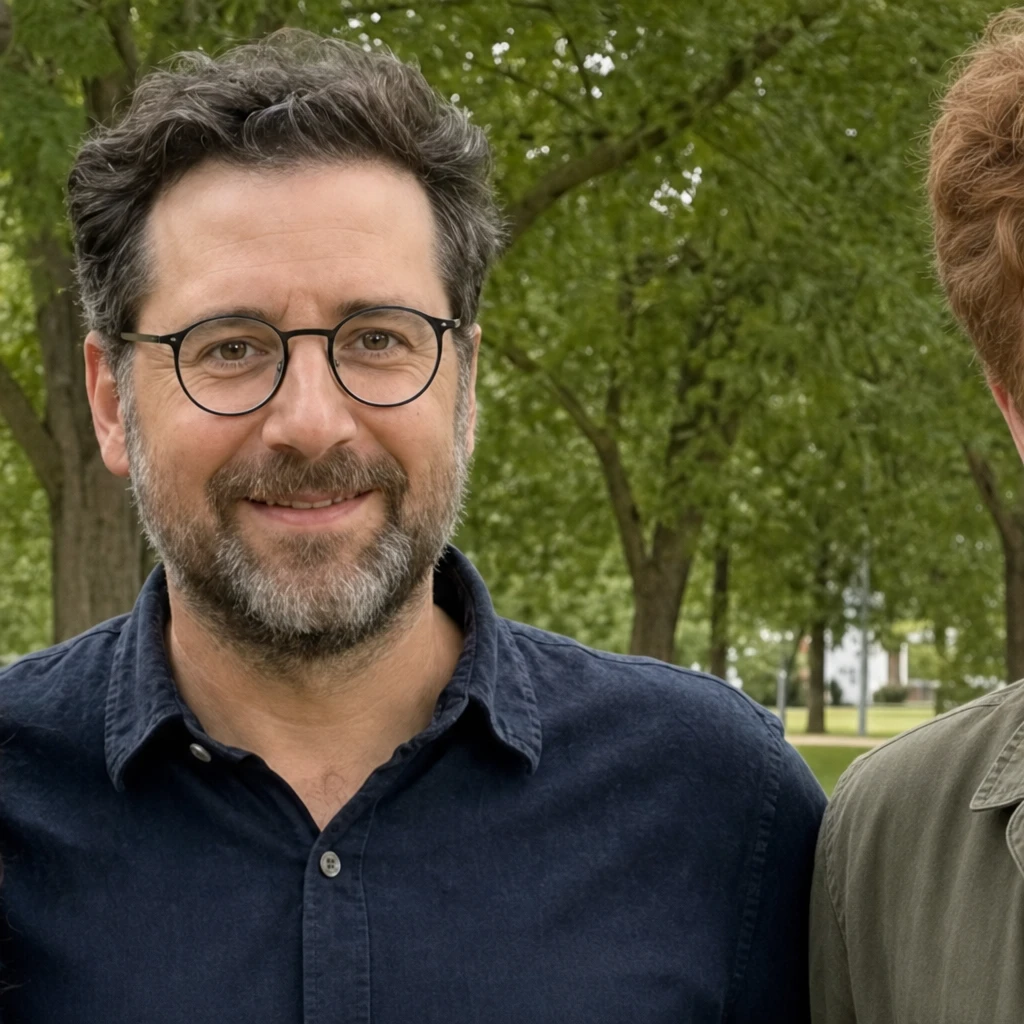
Eyes behind clear glasses
Look at the eye opening alongside the glasses and bright outdoor light.
Evoto demonstration · View source ↗
What about glasses?
Clear glasses can still leave the eyes visible; our existing example uses a person wearing glasses. That single example does not guarantee success with other frames or reflections. Prefer a reference without glare covering the pupils. Sunglasses that hide the eyes do not provide the detail this repair needs.
What if I do not have a reference?
You can choose “Continue without a reference” in the tool. The AI will infer open eyes, so their shape, color, or gaze may differ from the person’s real appearance. Inspect the result at full size and avoid treating an inferred appearance as a faithful reconstruction.
A similar-looking person is not a reference for the same identity. Use the intended person’s own photo, or make an informed choice to continue without a reference.
Before you upload
Use a JPG, PNG, or WebP under 10 MB. Choose photos you have permission to edit. You do not need to crop precisely around the eyes—the tool asks you to select a face. Keep your original files so you can compare or try a different reference later.
Ready to proceed? The step-by-step walkthrough shows how to select the reference person and review the finished repair.